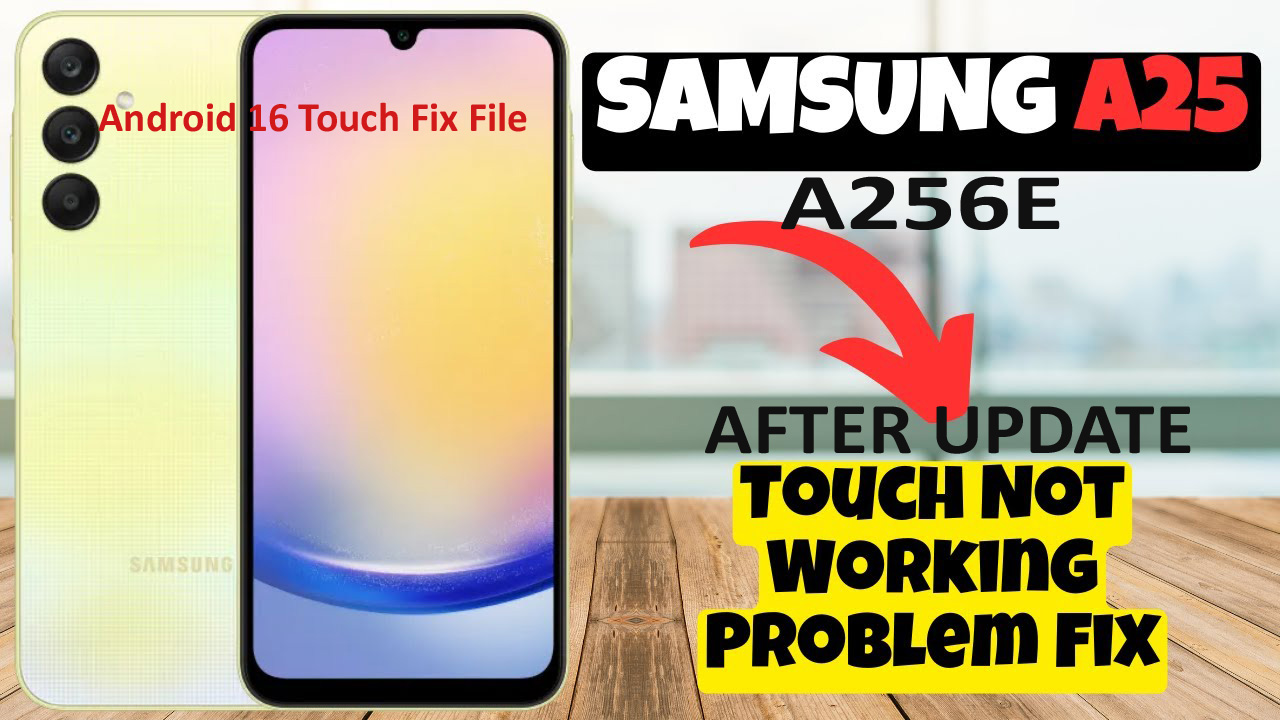
Samsung A256E Touch Fix File Just Flash [After Update Problem Solution 2026]

Samsung A256E Flash File will help You To Upgrade & Downgrade or Reinstall the Stock Firmware On Your Android Mobile. Also If You Some how Brick Your Device During Root Testing Out Some Crazy Stuff, This Flash File Stock Rom Should Come In Handy. Even If Your Mobile Device Facing Any Software Issue, Bootloop Issue, Restart On Logo Issue, Or Dead After Flash Issue Due To Downgrade Then Install Our Latest Firmware To Restore Your Device.

BENEFITS OF Samsung A256E FIRMWARE


The Samsung A256E Flash File Allows You To Upgrade-Downgrade & Repair Your Android Smart Phone. It May Also Help You Fix any Software Related Issue , Such As Bootloop, Stuck On Logo, Restart On Recovery, Dead After Downgrade Issues, And system Failure While Root And Update. So Download Your Firmware From Below Link And Reinstall  Firmware On Your device

Samsung A256E FLASH TOOL AND DRIVER


Before Install Firmware On Your Samsung A256E Smart Phone Require Install USB driver On Your Computer To Enables Connection Between Phone and PC via USB cable. And Without Driver USB Won’t Detect In Flash Tool, So USB Driver Is Important Part Of Installing Rom, And This Firmware Flashing Support Multi Brand Tool Like Unlock tool, Infinity CM2 Tool, TFM tool Etc If Support Model

Samsung A256E FLASH FILE DOWNLOAD

File Size :   6.7 GB
CPU Type :  Exynos 1280
Android OS:   16
Driver :  Samsung USB Driver
Flash Tool :   ODIN Tool
File Status :   Paid & Free [Before Download Check File Status On Link
File Source :   Official
Samsung A256E Touch Fix File

Samsung A256E Touch Fix File

 Please Before Start Downlading File Cheack File Status In Download Link File Is Paid or Free . Paid File Is Password Protected And Free File Is Without Non Protected

After Update Touch Not Work Fix 2026 Android 16

——————————————————————————————————————————————

In This Page Some Firmware Without Password & Some File Is Password Protected Contact US Call And Whatsapp +8801829776585 [Please Ask Price In Our Whatsup Number Before Start Downloading Paid File

Note : [Use Our File Only Firmware Upgrade Or Repair Software Related Issues Purpose Only]

Before purchasing any files it is your responsibility to download With match the version of your phone Firmware and before flashing make sure that your phone has no hardware related problems issue. Such as like EMMC problem, Water damage, build version matched, & Flashing With your Own Tools etc. If any files do not work due to the above problem then we are not responsibility for that, Our All Fils Collection From Official Source And Every Firmware Version value Is Same As your Purchase Price, thank you

REQUIREMENTS FOR INSTALL FLASH FILE

  • The Flash File Works At Only Samsung A256E
  • Windows OS PC/Laptop Windows 10 Pro And Winows 11 Best
  • Best Quality USB Data Cable [Original Cable Best]
  • Latest Samsung USB Driver
  • Odin Flash Tool [Some Device Need Professional Tool]
  • Team Viewer & Anydesk [If Need Additional Support From Us
  • Need Must Stable Good Internet Connection For Remotely Job


READ ONCE BEFORE FLASH YOUR PHONE

  • Before Flashing Firmware On Your Smart Phone Make You Sure Downloaded & Use Latest ROM,
  • Download Always Same Build Version Firmware And Upper Build Version
  • Take A Backup Of Your Rom Before Flash
  • Don’t USE & Don’t Plug USB Cable In USB Hub During Flash
  • Use Original USB Cable At All
HOW TO FLASH Samsung A256E

1. Extract (unzip) Firmware
2. Download Latest Odin Tool
3. Extract Odin ZIP file
4. Open Odin execute file
5. Reboot Samsung phone in Download Mode Using By (hold Home + Power + Volume Down buttons then plug-in cable)
6. Connect you Samsung phone and wait until you get a blue sign in Odin
7. Add the 1 file Samsung firmware to files Samsung firmware (AP/BL/CP/CSC) to it’s slots
8. Make sure re-partition is NOT ticked
9. Click the START button, sit back and wait few minutes To Finished Flashing Complete